
Last updated on
Nov 6, 2026
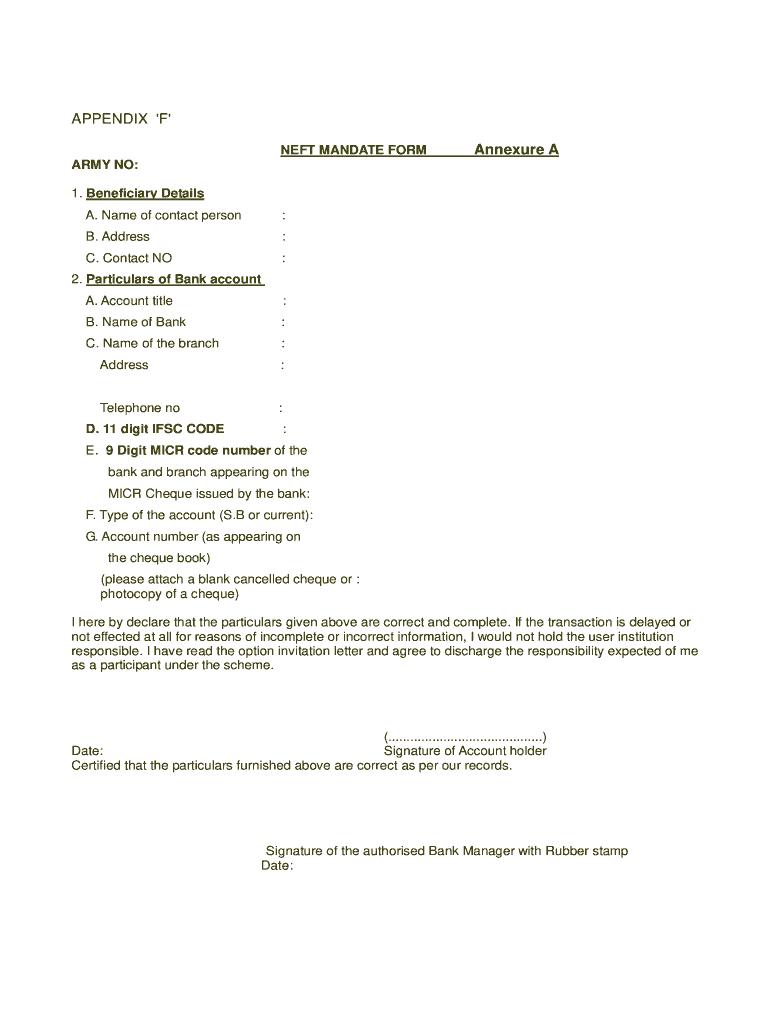
Get the free NEFT Mandate Form
pdfFiller is not affiliated with any government organization

Fill out
Complete the form online in a simple drag-and-drop editor.

eSign
Add your legally binding signature or send the form for signing.

Share
Share the form via a link, letting anyone fill it out from any device.

Export
Download, print, email, or move the form to your cloud storage.
Why pdfFiller is the best tool for your documents and forms


End-to-end document management
From editing and signing to collaboration and tracking, pdfFiller has everything you need to get your documents done quickly and efficiently.
Accessible from anywhere
pdfFiller is fully cloud-based. This means you can edit, sign, and share documents from anywhere using your computer, smartphone, or tablet.
Secure and compliant
pdfFiller lets you securely manage documents following global laws like ESIGN, CCPA, and GDPR. It's also HIPAA and SOC 2 compliant.
What is NEFT Mandate
The NEFT Mandate Form is a banking document used by account holders to authorize National Electronic Funds Transfer (NEFT) transactions in India.
pdfFiller scores top ratings on review platforms




just incredible. Made life so much easie
Easy to use
Easy to use, upload and download. Just what I'm after.
Who needs NEFT Mandate?
Explore how professionals across industries use pdfFiller.

NEFT Mandate is needed by:
-
Individual account holders wanting to transfer funds electronically
-
Business owners setting up payment processes
-
Bank managers for processing NEFT requests
-
Finance departments needing formal payment authorization
-
Accountants managing business transactions
Comprehensive Guide to NEFT Mandate
What is the NEFT Mandate Form?
The NEFT Mandate Form is a critical document used for electronic funds transfers in India, specifically through the National Electronic Funds Transfer (NEFT) system. It serves as a formal request to enable transfers between accounts in different banks. This form holds significant importance as it requires accurate bank account details to ensure funds reach the intended beneficiary.
Completing the NEFT Mandate Form involves providing precise information to avoid delays or errors. Additionally, signatures from both the account holder and the bank manager are mandatory, ensuring both parties authorize the transaction and maintain security.
Purpose and Benefits of the NEFT Mandate Form
This form is essential for initiating NEFT transactions as it streamlines the electronic funds transfer process. By utilizing the NEFT Mandate Form, individuals and businesses can ensure their transactions are handled with security and accuracy, reducing the likelihood of mistakes.
-
Streamlines transactions for quicker processing.
-
Enhances security by requiring proper identification and authorization.
-
Allows individual account holders and businesses to manage their finances effectively.
Key Features of the NEFT Mandate Form
The NEFT Mandate Form includes various fields designed to capture essential information related to the transfer. Key aspects of the form encompass beneficiary details and specific bank account particulars. Additionally, the form features checkboxes and clear instructions to guide users in completing it correctly.
Signatures from both the account holder and bank manager are essential components of this form, which affirm the legitimacy of the request. This requirement safeguards all parties involved in the transfer process.
Who Needs the NEFT Mandate Form?
Target audiences for the NEFT Mandate Form include business account holders and individual users who wish to set up electronic fund transfers. The form becomes particularly necessary when establishing recurring payments or transferring funds between banking institutions.
Account holders must understand their roles and responsibilities, including the necessity of obtaining signatures from the bank manager to complete the process.
How to Fill Out the NEFT Mandate Form Online (Step-by-Step)
Filling out the NEFT Mandate Form online is a straightforward process when following these steps:
-
Access the NEFT Mandate Form online through an appropriate platform.
-
Enter the beneficiary's details accurately, including name and account number.
-
Provide your bank account information, ensuring all details are correct.
-
Review the form to confirm all fields are completed and accurate.
-
Obtain the required signatures from both the account holder and the bank manager.
Always double-check the information before submission to prevent any issues. Utilizing tools like pdfFiller can help streamline the process further.
Common Errors and How to Avoid Them
When completing the NEFT Mandate Form, users often encounter common errors that can cause delays. These include:
-
Missing or incorrect beneficiary details, which could lead to funds being misdirected.
-
Failure to obtain necessary signatures from required parties.
-
Neglecting to review the form thoroughly before submission.
Taking the time to review each section can help prevent these mistakes and facilitate a smoother transaction process.
Security and Compliance for the NEFT Mandate Form
Ensuring the security of the NEFT Mandate Form during submission is crucial. Platforms like pdfFiller offer robust security measures, including 256-bit encryption and compliance with regulations such as HIPAA and GDPR, to protect sensitive data.
It is essential to handle all financial forms with care, utilizing secure methods of submission and safeguarding personal information throughout the process.
How to Submit the NEFT Mandate Form
The NEFT Mandate Form can be submitted through various methods, each with its own timeline and expectations:
-
Submit in-person at your banking institution for immediate processing.
-
Use online submission options for convenience, keeping in mind processing times.
In case of any issues during the submission process, contacting customer service or visiting the bank directly can provide the necessary support.
Sample or Example of a Completed NEFT Mandate Form
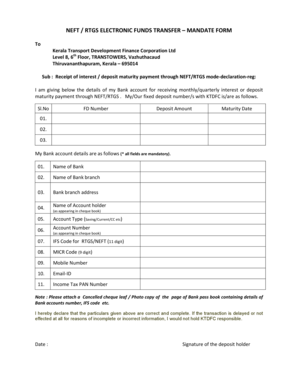
Providing a visual reference can enhance understanding; thus, a sample filled NEFT Mandate Form illustrates how to complete it effectively. The sample includes filled sections, with each field accompanied by explanations to clarify its purpose.
Care must be taken to ensure all information is accurately represented, aiming for precision in every detail.
Efficiently Manage Your NEFT Mandate Form with pdfFiller
Using pdfFiller offers a powerful solution for filling and managing your NEFT Mandate Form effortlessly. The platform's user-friendly interface allows for seamless form completion, signing, and editing.
-
Edit existing forms quickly and easily.
-
Benefit from secure document storage and sharing options.
Users can have peace of mind knowing that their documents are handled securely and efficiently while utilizing pdfFiller's features to enhance their experience.
How to fill out the NEFT Mandate
-
1.To access the NEFT Mandate Form on pdfFiller, visit the website and use the search bar to locate the form by typing 'NEFT Mandate Form.' Once found, click on the form title to open it in the editor.
-
2.Once the form is open in pdfFiller, familiarize yourself with the interface. Navigate through the document using scroll bars and zoom options for clarity.
-
3.Before filling out the form, gather necessary information such as beneficiary details, your bank account number, and any required signatures from the bank manager. Ensure you have all relevant details on hand.
-
4.Start filling in the fields by clicking on each blank area. Input your name, account number, and other requested information. Pay special attention to the beneficiary details section to ensure accuracy.
-
5.After completing all fields, review the form for any errors or missing information. Double-check that all signatures are in place, specifically those from both the account holder and the bank manager.
-
6.Once you are satisfied with the form, locate the save or download options in pdfFiller. You can save it to your device, download a copy, or directly submit it via the platform’s submission features.

Who is eligible to fill the NEFT Mandate Form?
Any individual or entity with a bank account in India can fill out the NEFT Mandate Form, provided they have authorization to initiate electronic funds transfers.
What documents are required when submitting the form?
Typically, the NEFT Mandate Form requires your bank account details and identification proof, such as an Aadhar card or PAN card. Additional documentation may be needed based on your bank's policies.
How can I submit the NEFT Mandate Form?
The NEFT Mandate Form can be submitted in person at your bank branch or through various online methods, if supported, after filling it out on pdfFiller or as directed by your bank.
Is there a deadline for submitting the NEFT Mandate Form?
While there is no specific nationwide deadline for submitting this form, it is advisable to complete it before needing to initiate an NEFT transaction to avoid delays.
What common mistakes should I avoid when filling out the form?
Common mistakes include incorrect account numbers, missing beneficiary details, and forgetting to obtain the necessary signatures. Always double-check your entries before submission.
How long does it take to process NEFT transactions once the form is submitted?
NEFT transactions are typically processed in batches and can take a few hours to complete. The transaction usually occurs during banking hours on the same day if submitted before the cut-off time.
Can the NEFT Mandate Form be notarized?
Generally, notarization is not required for the NEFT Mandate Form; however, specific banks may have individual requirements, so checking with your bank is recommended.
Related Content
Related Forms
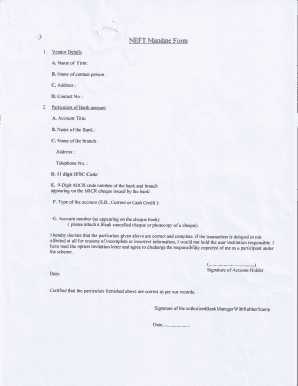

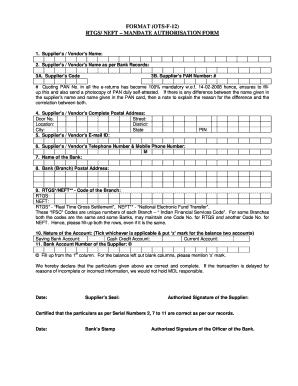
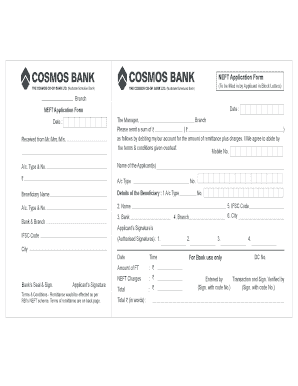


Related Catalogs
Get the latest insights from our blog



If you believe that this page should be taken down, please follow our DMCA take down process
here
.
This form may include fields for payment information. Data entered in these fields is not covered by PCI DSS compliance.